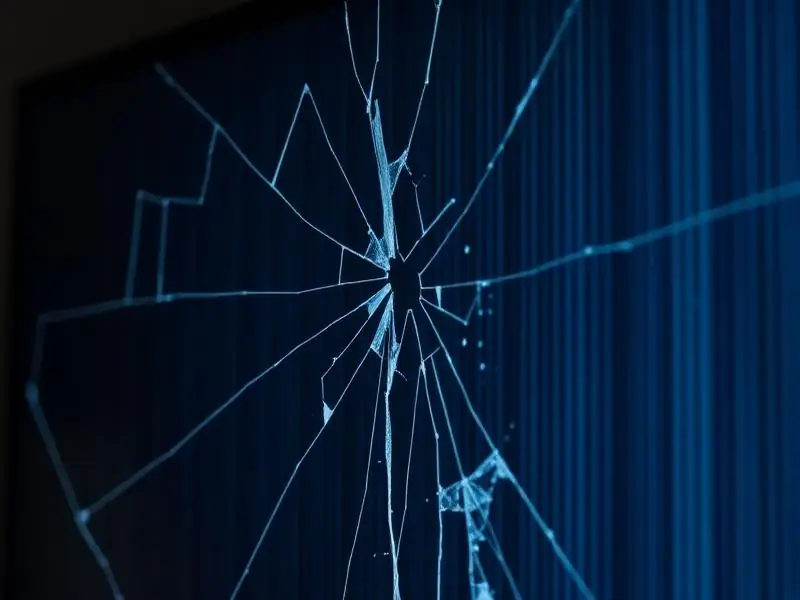
Lines on a TV screen are one of the most common faults we attend. They can be thin or thick, coloured or black, vertical or horizontal, and they may come and go or stay fixed. The good news: not every line means the panel is finished. A short test at home tells you a lot about where the fault is.
What the lines usually mean
The type of line gives a strong clue about the cause. These patterns come from what technicians see across hundreds of sets:
- One thin vertical line in a fixed colour – usually a failed connection between the panel glass and its driver strip (often called a COF or tab bonding fault). This is inside the panel.
- Many vertical lines or a band of lines on one side – often the T-Con board, the ribbon cables, or the panel drivers on that side.
- Horizontal lines or half the screen garbled – frequently a ribbon cable or T-Con issue; sometimes the panel's row drivers.
- Lines that change when you tap the TV frame or when the room warms up – a loose or oxidised connection, which is often repairable.
- Lines only on one channel or one HDMI device – the TV is fine; the problem is the signal or the source device.
The 2-minute menu test
This is the single most useful check you can do yourself, and it is completely safe:
- Switch on the TV and let the lines appear.
- Press the Menu or Settings button on the remote so the TV's own menu opens on top of the picture.
- Look closely: do the lines also cross the menu?
If the lines are on top of the menu, the fault is inside the TV – in the display path (T-Con board, ribbon cables or panel). If the menu is clean and only the picture has lines, the problem is the incoming signal: the set-top box, HDMI cable, or the TV's main board processing that input.
Tip: Try a second source as well. If YouTube on the TV's own apps looks fine but your set-top box picture has lines, swap the HDMI cable before calling anyone.
Other safe checks before booking a repair
- Unplug the TV from the wall for 60 seconds, then switch on again. Some line faults caused by a board hanging clear after a full power reset.
- Remove all HDMI and USB devices and check the TV's home screen alone.
- Note whether the lines appear immediately at switch-on or after the TV warms up for 15–30 minutes. Tell this to the technician – it saves diagnosis time.
- Take a clear photo of the screen. A photo helps the technician bring the right parts.
Tip: Never press on the screen or try to tighten anything inside the TV. Panels crack easily and the power board can hold a charge even after unplugging.
Is it repairable?
It depends on where the fault is:
- Ribbon cable or connector problem – usually a quick, low-cost repair done at home.
- T-Con board fault – repairable on most models when the board or its components are available.
- Panel (COF/bonding) fault – this is inside the glass. Some single-line faults can be fixed by specialised bonding, but many need a full panel replacement, which can cost a large share of a new TV's price. A good technician will tell you honestly if replacing the TV makes more sense.
If you are unsure whether to repair, read our guide on whether to repair or replace a TV.
Why lines appear in the first place
Heat and age are the most common reasons. Panel connections expand and contract every time the TV warms up and cools down. TVs kept in hot rooms, behind closed cabinets, or used for long hours at maximum brightness tend to develop line faults sooner. Moving or wall-mounting a TV without support can also stress the panel and its cables. Power fluctuations can damage the T-Con board – see how to protect your TV from voltage fluctuation.
Please do not open the television yourself. Power boards can hold a charge even when unplugged, so internal checks should be left to a trained technician.