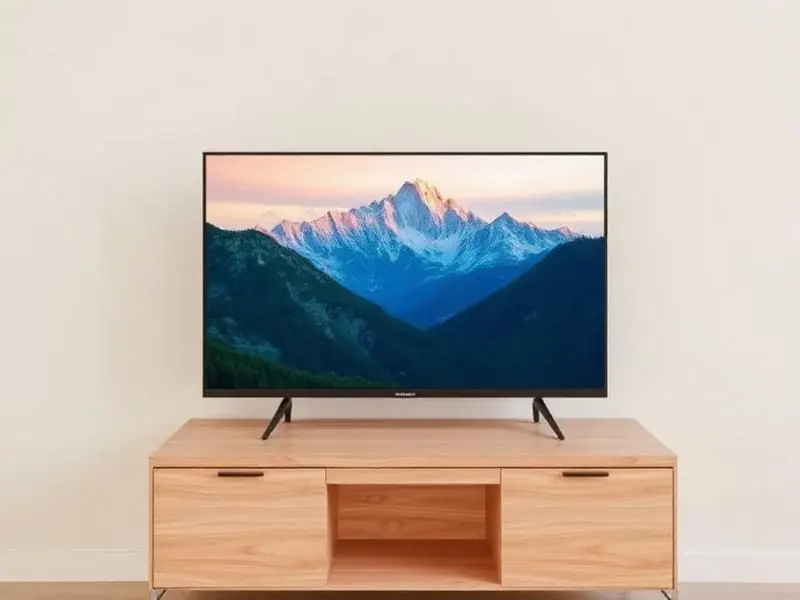
If your TV plays sound normally but the screen is completely black, the TV is working – the picture is just not being lit. In LED TVs, the image is created by the LCD panel and lit from behind by rows of small LEDs called the backlight. When the backlight fails, the picture is still there, but you cannot see it.
The torch test (1 minute)
- Switch on the TV and open a bright menu or the home screen.
- Turn off the room lights.
- Shine a mobile torch very close to the screen, at a slight angle, and move it slowly.
If you can see a faint image or menu where the torch shines, the panel and boards are working and the backlight has failed. If there is nothing at all, the fault is more likely the T-Con board, the panel signal, or the main board.
Why LED backlights fail
LED strips in most TVs are connected in series, like old festive lights. When one LED fails, the whole string – and often the whole backlight – goes dark. Common reasons include:
- Running the TV at maximum brightness or in 'vivid' mode for years, which heats the LEDs.
- Poor ventilation – TVs inside closed wooden units run hotter.
- Voltage spikes damaging the LED driver.
- Age: budget sets often use fewer, brighter LEDs that work harder.
Other signs of a backlight problem
- The screen lights up for a second at switch-on and then goes dark.
- One half or one section of the screen is darker than the rest.
- Dark patches or uneven brightness, especially on white backgrounds.
- The picture slowly dims over weeks.
What backlight repair involves
The technician opens the TV, separates the panel carefully, tests every LED strip and the driver circuit, and replaces the faulty strips. We recommend replacing the full set of strips rather than one strip, because the remaining old LEDs usually fail soon after and uneven brightness can appear. Most backlight repairs are done at home in one visit, depending on part availability. See our LED TV repair service for details.
Tip: After a backlight repair, keep the brightness at a comfortable level instead of maximum. It noticeably extends the life of the new strips.
Backlight, T-Con or panel? A quick comparison
- Backlight fault – sound works, faint image visible with a torch, screen may flash at start-up. Usually repairable at home.
- T-Con board fault – sound works, no image even with a torch, or the screen shows noise, inverted colours or half a picture.
- Panel fault – lines, cracks, ink-like black spots or permanent patches that stay in the same place on every input.
- Main board fault – no sound and no picture, TV stuck on logo, or remote not responding at all.
Telling the technician what you saw in the torch test, and whether the screen flashed at switch-on, helps them bring the right parts on the first visit.
How to make a backlight last longer
- Set brightness to 50–70% for daytime viewing instead of 100%. Most TVs look better in 'Standard' or 'Movie' mode than in 'Vivid'.
- Turn on the TV's energy-saving or ambient light sensor option if it has one.
- Leave space around the TV for air to move, especially at the back and top.
- Switch the TV off at the wall when not in use for long periods, and use a spike guard.
Please do not open the television yourself. Power boards can hold a charge even when unplugged, so internal checks should be left to a trained technician.