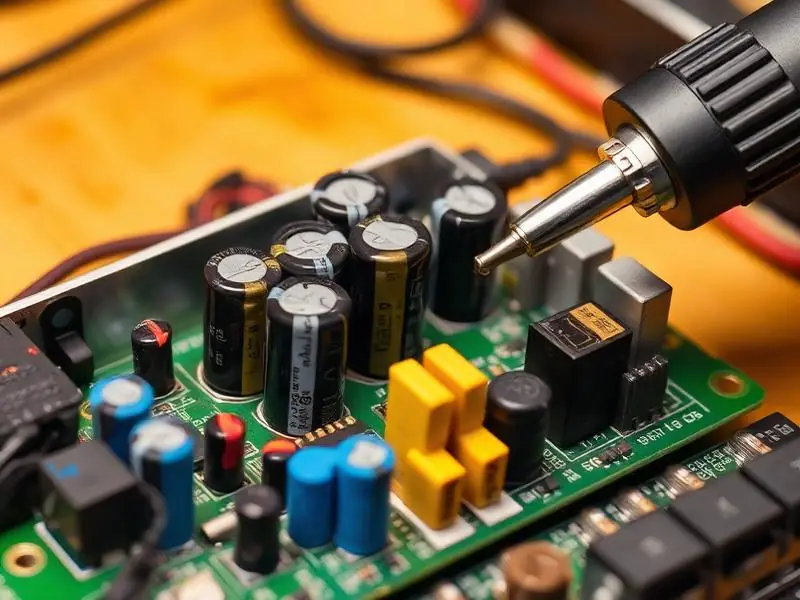
When your TV shows a red standby light but does not turn on, the set is getting mains power – so the cord and socket are usually fine. Something in the start-up sequence is stopping it. Before assuming the worst, run through these checks; a surprising number of 'dead' TVs start working after one of them.
First, rule out the simple causes
- Test the remote. Point it at your phone camera and press a button. If you see a flashing light on the phone screen, the remote is sending a signal. If not, change the batteries.
- Use the button on the TV. Most TVs have a small power button or joystick underneath or at the back. If the TV starts with it, the remote or the TV's IR sensor is the issue.
- Do a full power reset. Unplug the TV from the wall (not just the remote), wait 60 seconds, then plug it back in and try again. This clears a board that has frozen in standby.
- Try a different socket without an extension board, in case the extension or spike guard is supplying unstable power.
- Check whether it actually turned on. Switch on in a dark room and listen for sound or look closely with a torch. If there is sound or a faint image, the TV is on and the fault is the backlight – see TV has sound but no picture.
If the red light blinks
Many TVs blink the standby light in a pattern when they detect a fault and refuse to start. This is called protection mode. The number of blinks is an error code that differs by brand. Count the blinks and tell the technician – it points straight to the section that needs checking, such as the power supply, the backlight driver or the main board.
Tip: Do not keep switching a blinking TV on and off repeatedly. Protection mode is there to stop further damage.
Faults that need a technician
- Power supply board – the standby section works (that is why the red light is on) but the main supply does not start. Common after voltage spikes.
- Main board – the processor or its memory fails to boot, so the TV never sends the start command. Sometimes a software re-flash fixes this.
- Backlight short – a shorted LED strip can make the TV shut down instantly at start-up, which looks like it never turned on.
A technician checks these in order with a multimeter, so only the failed part is replaced. Our TV power repair service covers all of them at home.
How to reduce the chance of it happening again
- Use a good-quality spike guard and switch off at the wall during storms.
- Avoid switching the TV on and off rapidly during power cuts.
- Keep the vents clear so the power board does not overheat.
What to tell the technician when you book
- TV brand, model number and size (printed on the label at the back).
- Whether the red light is steady, blinking, or changes colour when you press power.
- If the light blinks, how many times before it pauses.
- Whether you heard a click, saw a flash, or smelled burning at the time it stopped.
- Whether the fault happened after a power cut, storm or voltage fluctuation.
This information lets the technician carry the likely parts on the first visit. You can share it through the booking form or on WhatsApp.
Please do not open the television yourself. Power boards can hold a charge even when unplugged, so internal checks should be left to a trained technician.